Install Gitori on iOS
iOS version 26 and above
1
Copy Gitori's URL
Click the button below to copy the URL to your clipboard
2
Open Gitori in Safari
Open Safari and paste the URL you copied in the address bar and press return

3
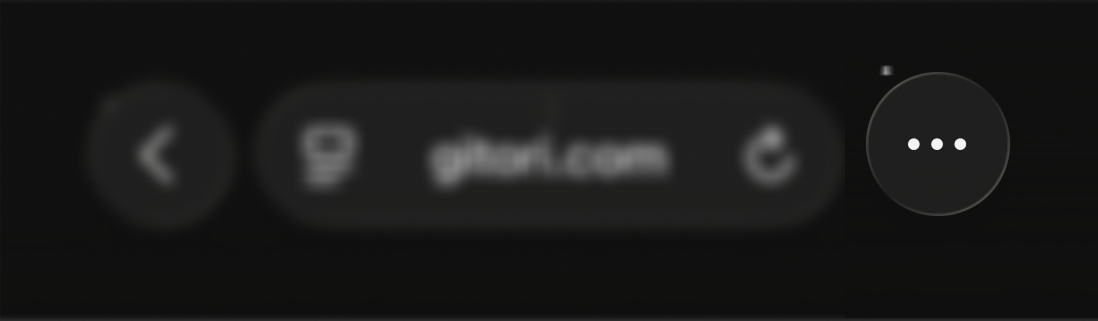
Open Safari's menu
Tap the ... icon in Safari's toolbar
4
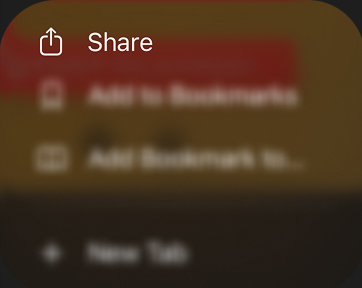
Tap the Share menu item
Look for the share icon in Safari's toolbar
5
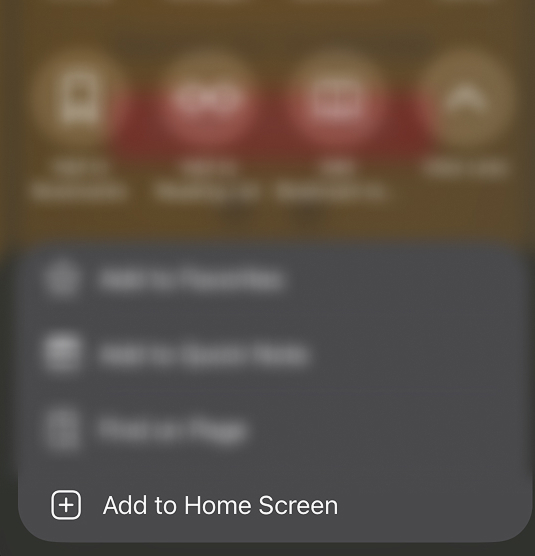
Add to Home Screen
Select "Add to Home Screen" from the share menu
6
You're all set!
And that's it. Now you should have a Gitori icon on your Home Screen just like an app installed from an app store

URL copied to clipboard! ✓
FAQ
Isn't this just going to install a home page shortcut though? Where's the 'real' app?+
No, it's not just a shortcut to the page, it's called a 'Progressive Web App' (PWA) and it's an alternative to the traditional way of installing apps via the app/play store. This allows me to use the same code to run on web, android and iOS platforms which would otherwise be too much work for a 1 person show that is Gitori.